 CS
CS
 EN
EN
CRM and sales
Customers, contacts and sales opportunities in one place.
Lead / ticket→task / order→work / product / recurring fee→invoice / costs / commissions
Erpena brings customers, jobs, team work and billing together. Completed work, products and recurring fees are automatically priced according to your rules and turned into invoice items, costs and commissions.
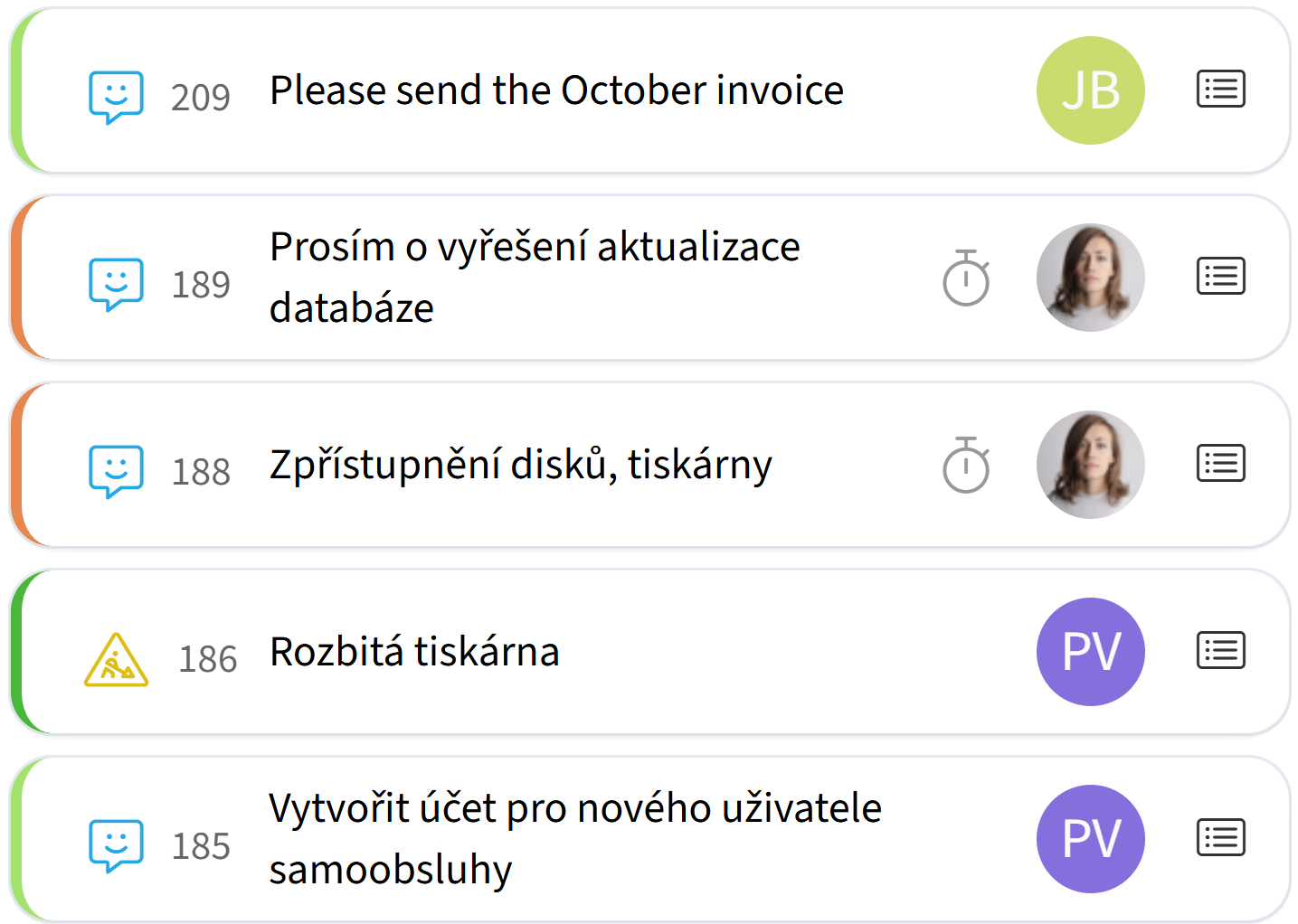
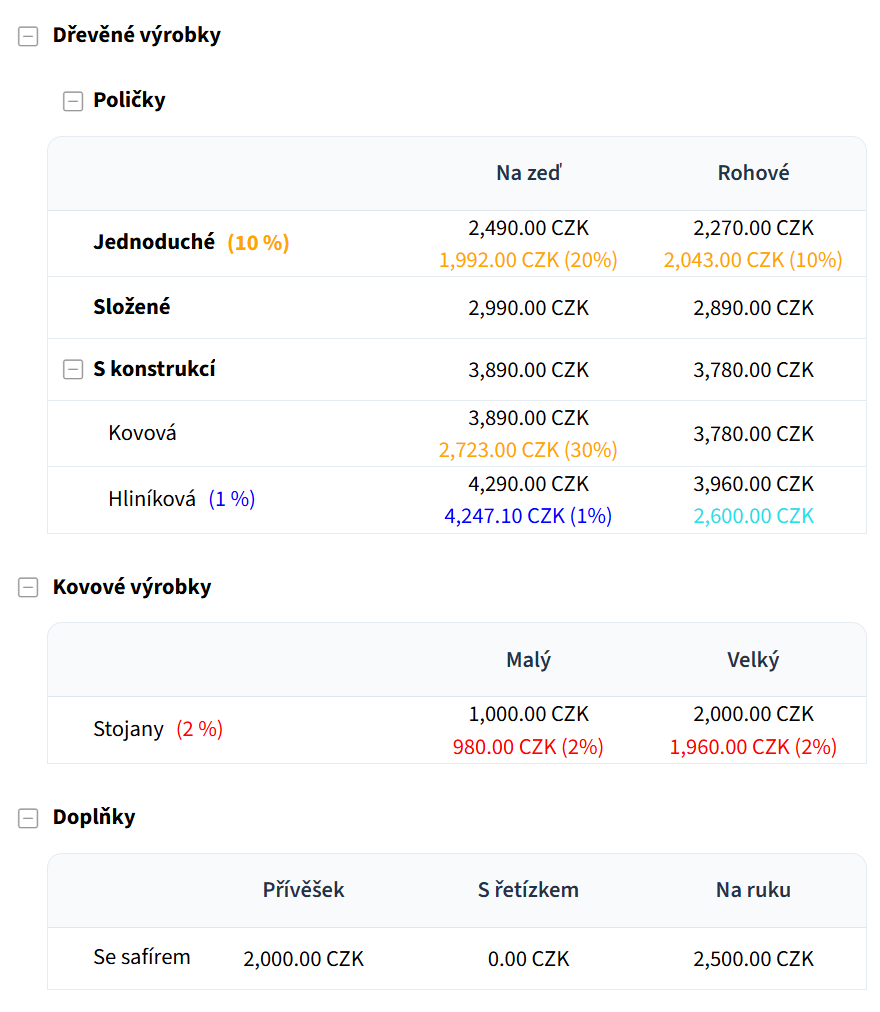

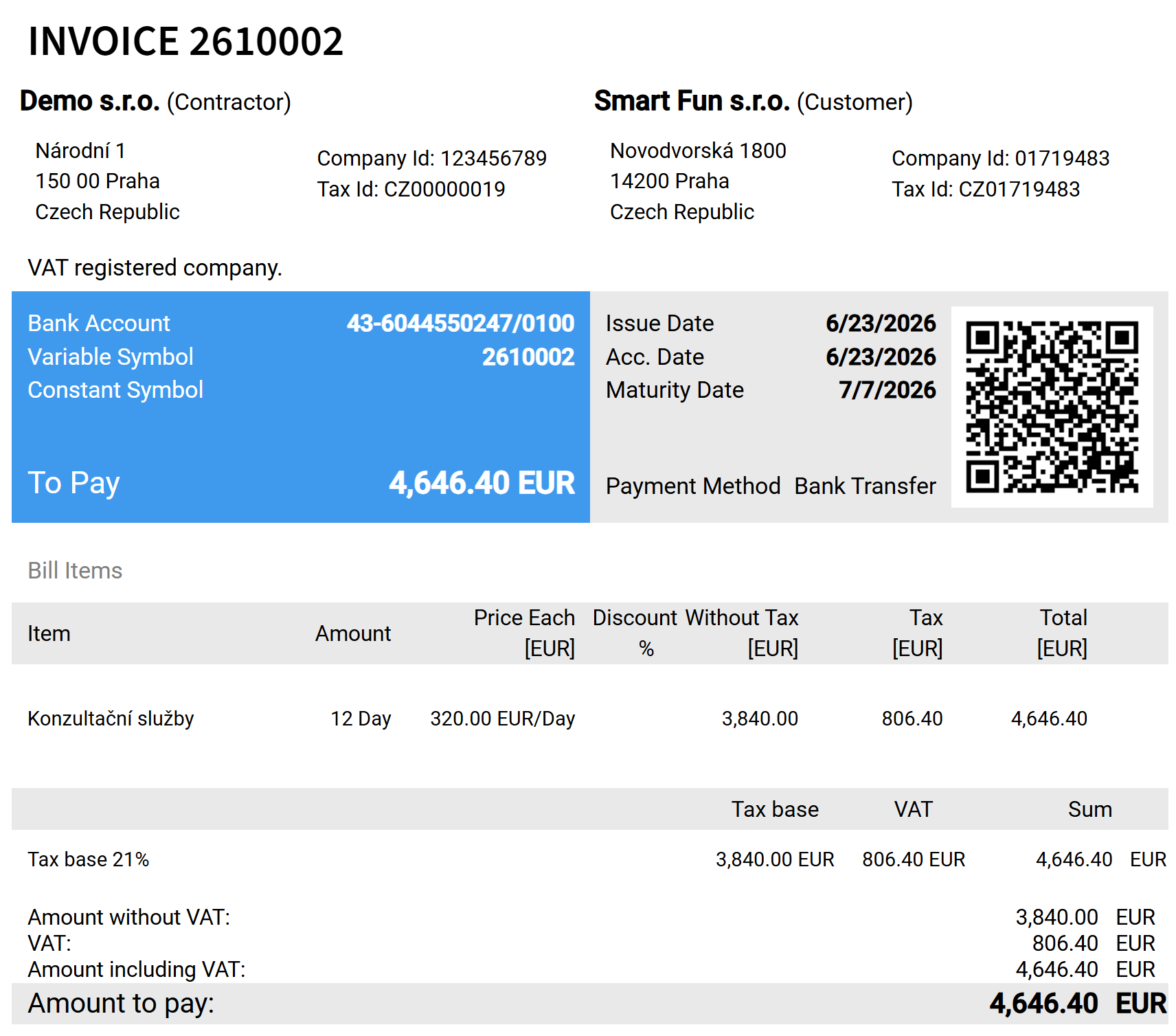
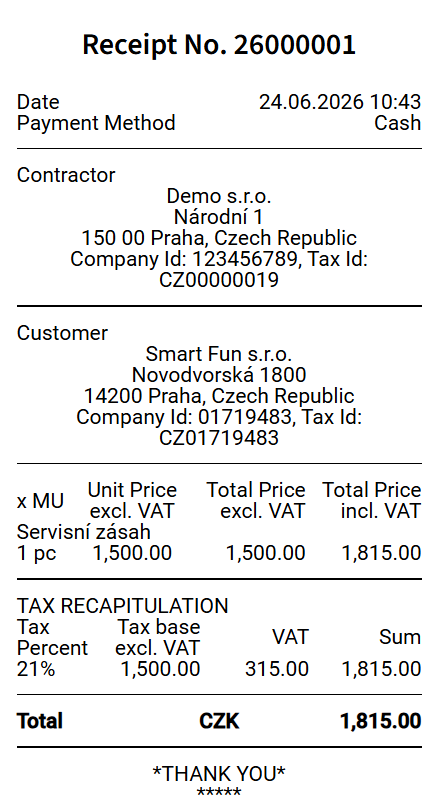
From CRM and sales through projects, tasks and customer support to pricing, billing and finance. Start with only the areas you need right now.
Customers, contacts and sales opportunities in one place.
Plan jobs, delegate work and track deadlines, responsibilities and actual progress.
Receive and resolve customer requests with clear ownership and links to follow-up work.
Manage products, recurring fees and individual pricing rules for customers and projects.
Continuously prepare billing data from completed work, products and recurring fees.
Track costs, commissions, payments and the financial context of jobs in one place.
At a glance, you can see how the company is doing – the status of jobs and projects, team capacity, and what is being handled or falling behind.
Quickly see where work is slowing down, what is inefficient, and which jobs or areas of the business need your attention.
Automating routine steps saves your team's time, reduces unnecessary administration and helps you use company capacity more efficiently.
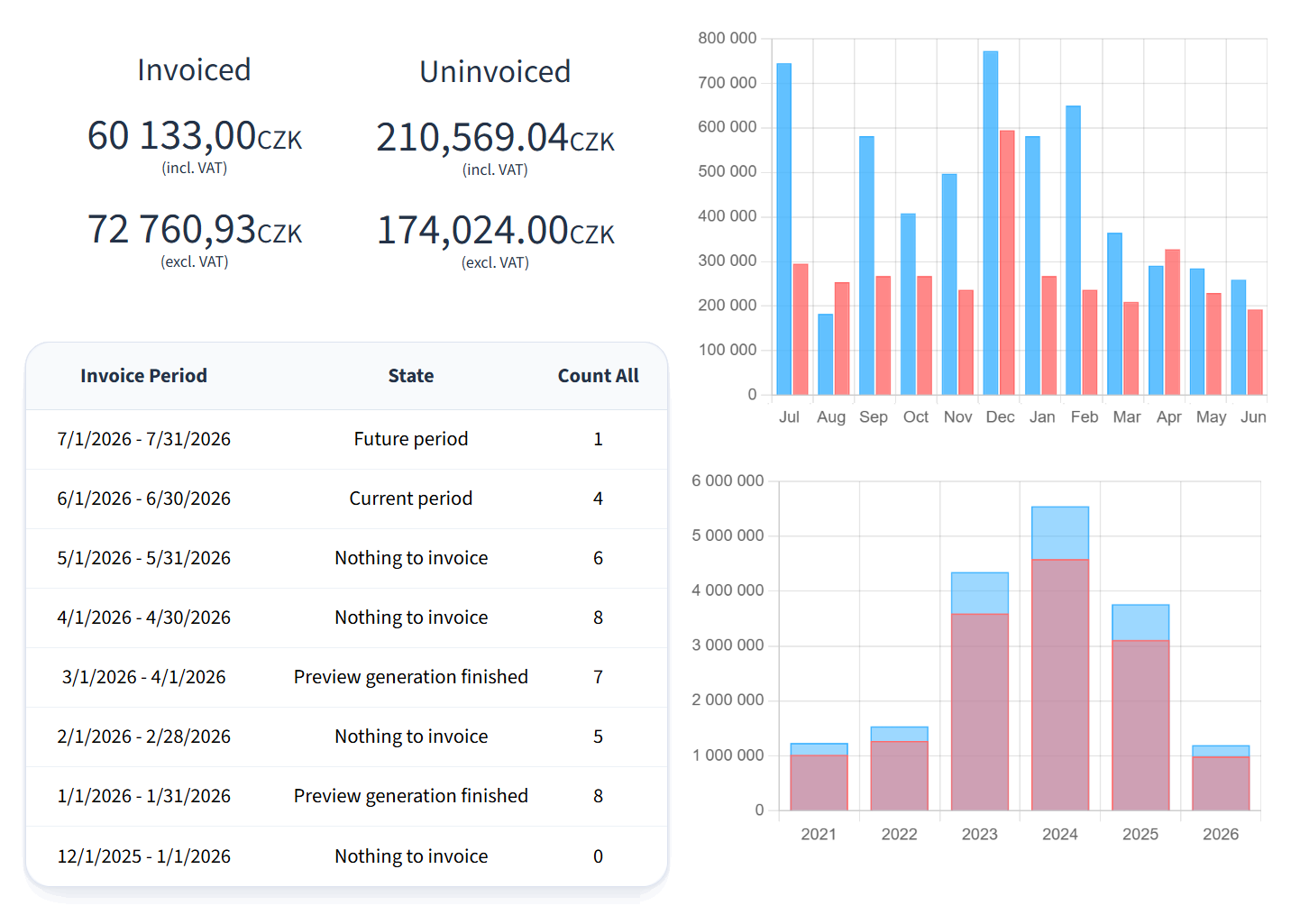
See what the company is earning, what is waiting to be billed, who owes you money, what costs are being incurred and what to expect in cash flow.
Keep important information at hand in the office and on the go. From your computer or mobile, you always know what is happening in the company.
Offer key customers their own prices, discounts or terms for specific projects without making work more complicated for everyone else.
Project planning is directly connected to orders, tasks and work actually completed. You see not only the plan, but what is really happening on the project.
Tasks can be created and assigned using rules and templates. The team receives work according to the defined process, so you do not have to distribute everything manually.
Project financials are continuously calculated from real data. You have a clear view of costs, revenue and how the project is performing.
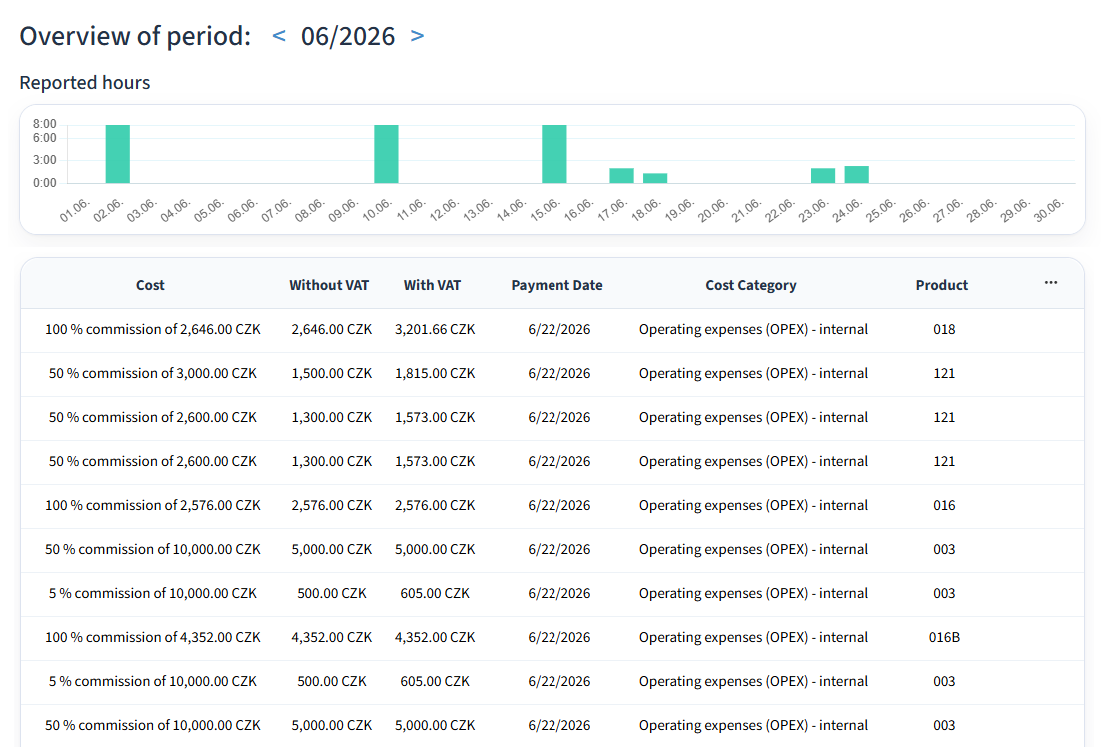
Costs for completed work and related commissions are evaluated automatically according to your configured rules.
See who worked on the project, how much time they logged and on which tasks. Easily compare the plan with reality.
Set custom prices and discounts for a specific project. You have more flexibility to tailor an offer to the customer while keeping pricing rules under control.
See all sales opportunities and their status clearly. Configure the sales process to match how your company actually sells.
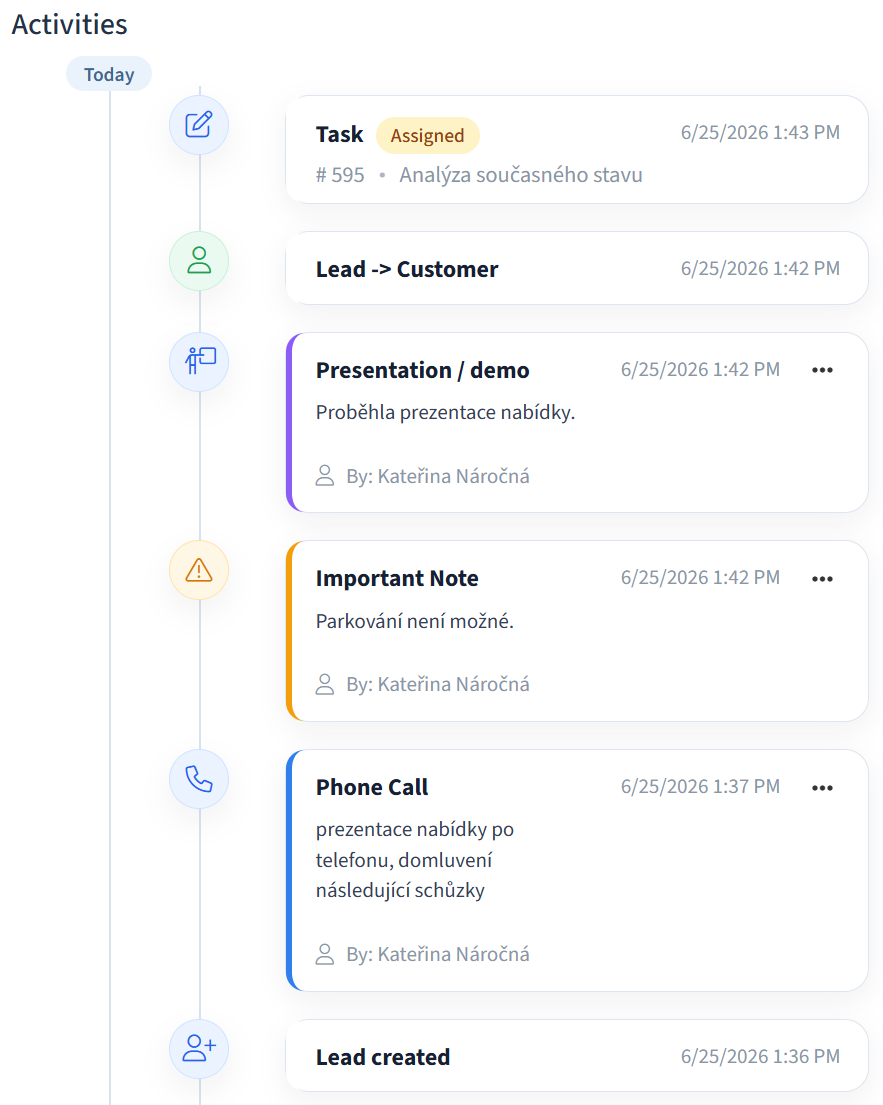
Keep contacts, activity history and important customer information available on desktop and mobile, whether you are in the office or on the road.
Flexible price lists, customer-specific pricing and discounts give you more room to prepare an offer that fits each deal.
Set reminders and next steps for sales opportunities so you never miss a promised call, meeting or important deadline.
Prepare multiple versions of a quote for the same customer and keep track of what changed and which version is current.
Once the customer accepts the quote, turn the deal into an order in one step and pass it on for delivery without re-entering data.
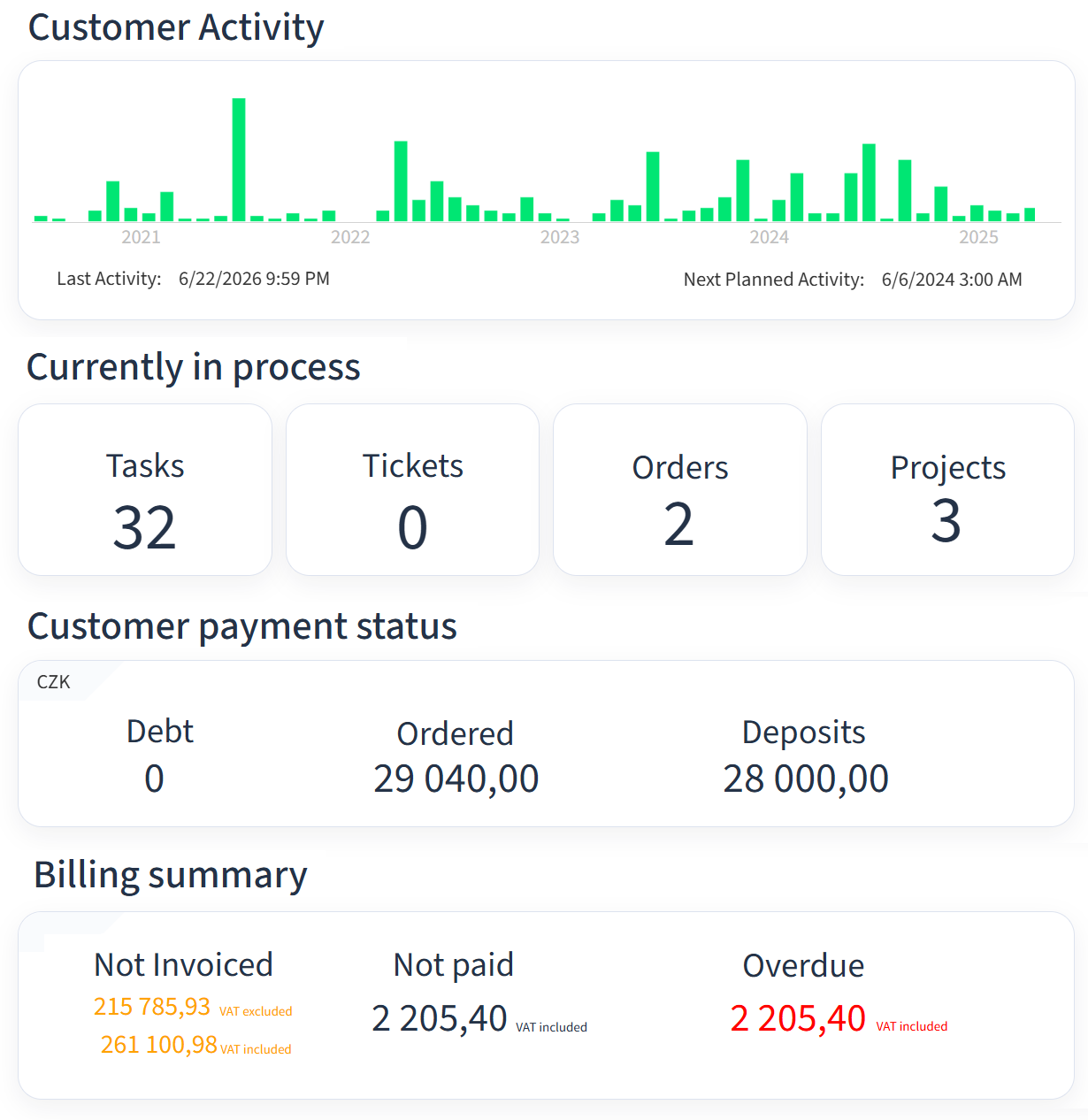
When speaking with a customer, you have their details, activity history, requests, orders and other context available in one place.
Create a new request or order in moments and send it straight to the right person or team for further handling.
Erpena can connect to your phone system, so an incoming call can immediately open the customer's record and history.
See the customer's previous turnover, activity and financial history. You have the context you need immediately during the conversation.
See active orders as well as the history of previous cases, so you can quickly tell the customer what is happening now and what was handled before.
Organize customer support around your current needs – from an overview of requests to distributing them among individual team members.
Invoice items are created as jobs are actually completed. At the end of the period, you do not have to search again for what needs to be billed.
Configure billing periods to match your business and, at the end of the cycle, review and process prepared invoices in bulk.
Assign individual customers to different billing periods depending on when and how often they need to be invoiced.
Export completed invoices and other required data to your accounting system without additional manual re-entry.
Before issuing or sending invoices in bulk, review a control overview and quickly find any items that need attention.
Payments imported from the bank are automatically matched to issued invoices, so you can quickly see what is paid and what is still outstanding.
Clearly see what you need to do, in what order and by when. If needed, hand a task over to a colleague without losing context.
See the full history of customer communication and problem resolution directly on the ticket, without searching through emails or other tools.
Log completed work directly from finished tasks. Time reporting stays connected to the work you actually carried out.
Access the customer's inventory and related information, so during a service visit you know exactly which equipment or product you are working with.
Tasks, customers and important information are available on desktop and in the mobile app, so you have them at hand outside the office too.
Permissions can be configured by role and responsibility, so the system shows you only the information and functions you actually need for your work.
Clearly see what needs to be done and by when. If necessary, pass a task to a colleague and keep all the information with it.
Reporting completed work is simple and linked directly to the task, so you do not have to re-enter what you worked on.
The user interface can be tailored to a specific profession, keeping important information and actions easy to access while unnecessary elements stay out of the way.
Roles and assignment rules help route tasks to people with the right skills who can actually resolve them.
Integrations
FAQ
Yes. Erpena includes CRM for managing customers, contacts, activities, sales opportunities and other customer-related work. Its main focus is connecting sales with business operations and the subsequent processing of jobs and orders. It is not primarily designed for managing marketing campaigns.
Yes. Erpena is an ERP system focused on connecting sales, operations and billing. It helps automate routine administration, manage jobs and team work, and flexibly price work, products and services all the way through to final billing.
No. You can start with only the areas you currently need, such as CRM, tasks or customer support, and add other parts of the system gradually as your company's needs evolve.
Primarily small and medium-sized companies that want customers, jobs, team work and billing in one system. It is especially valuable where pricing and billing need to be automated or where different customers require individual prices and terms.
You can start using the standard version of the system almost immediately. For solutions with custom modifications, the timeline depends on their scope and complexity. Larger implementations typically take around 2 to 6 months.
Yes. Many processes, rules, prices, permissions and workflows can be configured directly in the system. If the standard options are not enough, larger deployments can also include custom modifications tailored to your company's specific needs.
Mobile app
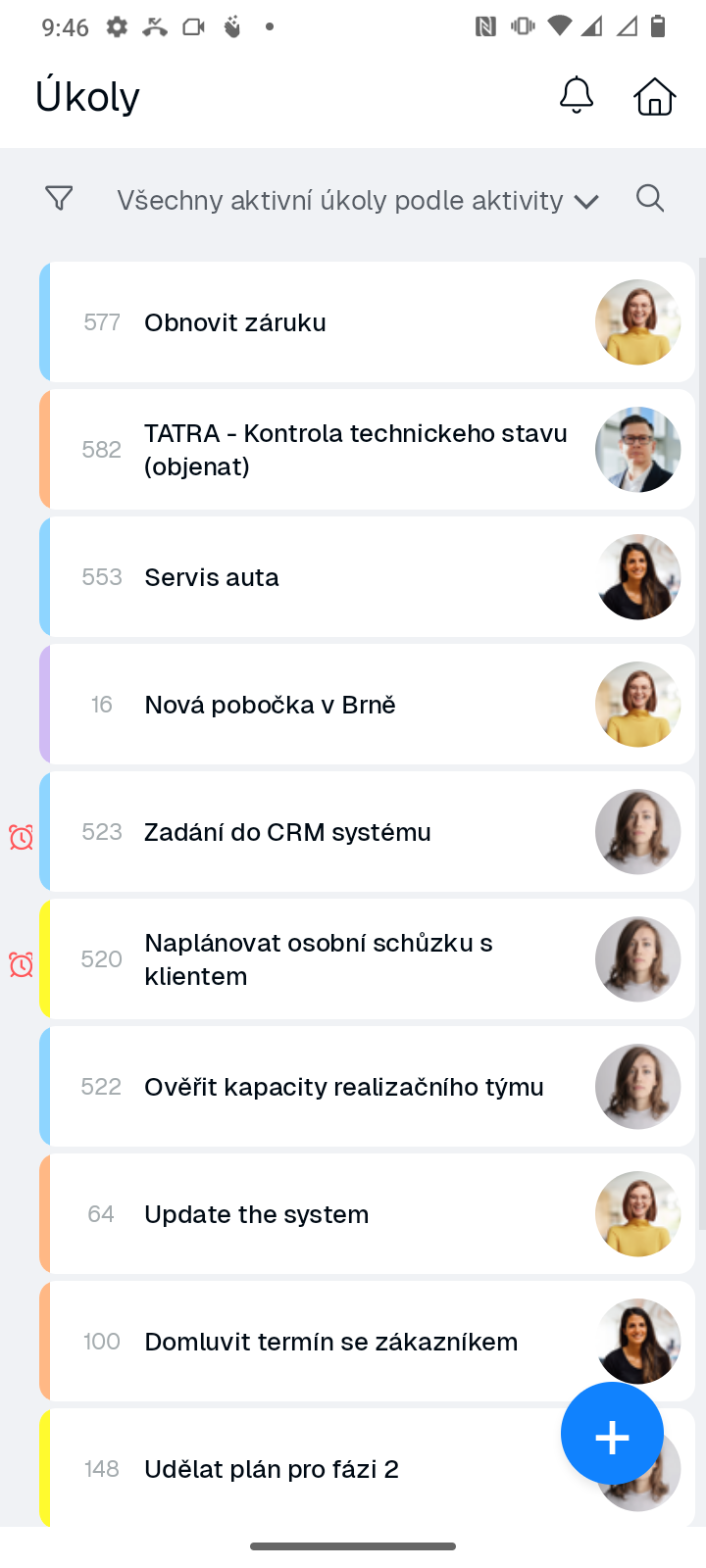
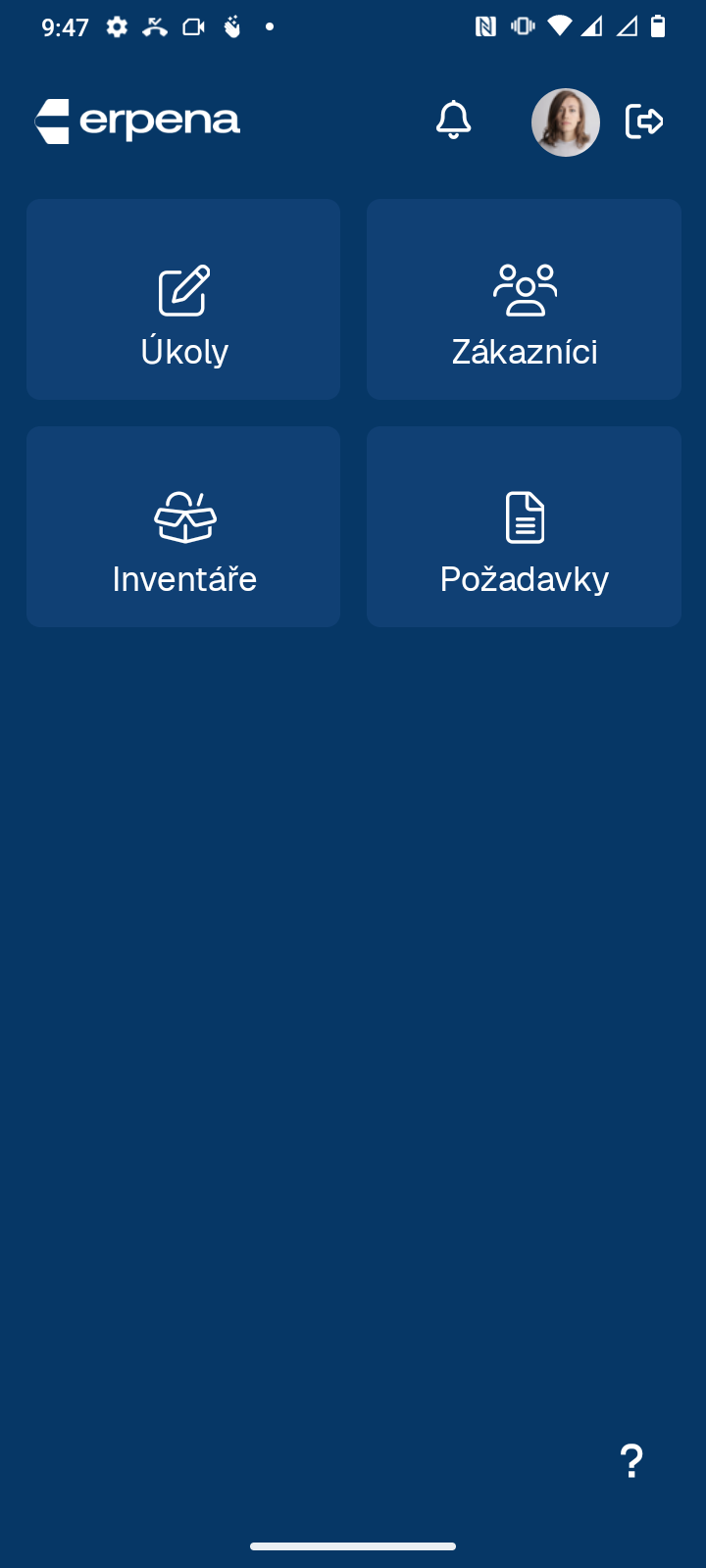
Customers, tasks, requests and important information are also available in the mobile app. You can work from the office, at a customer's site or out in the field.

We will show you the system using the specific processes your company handles every day.